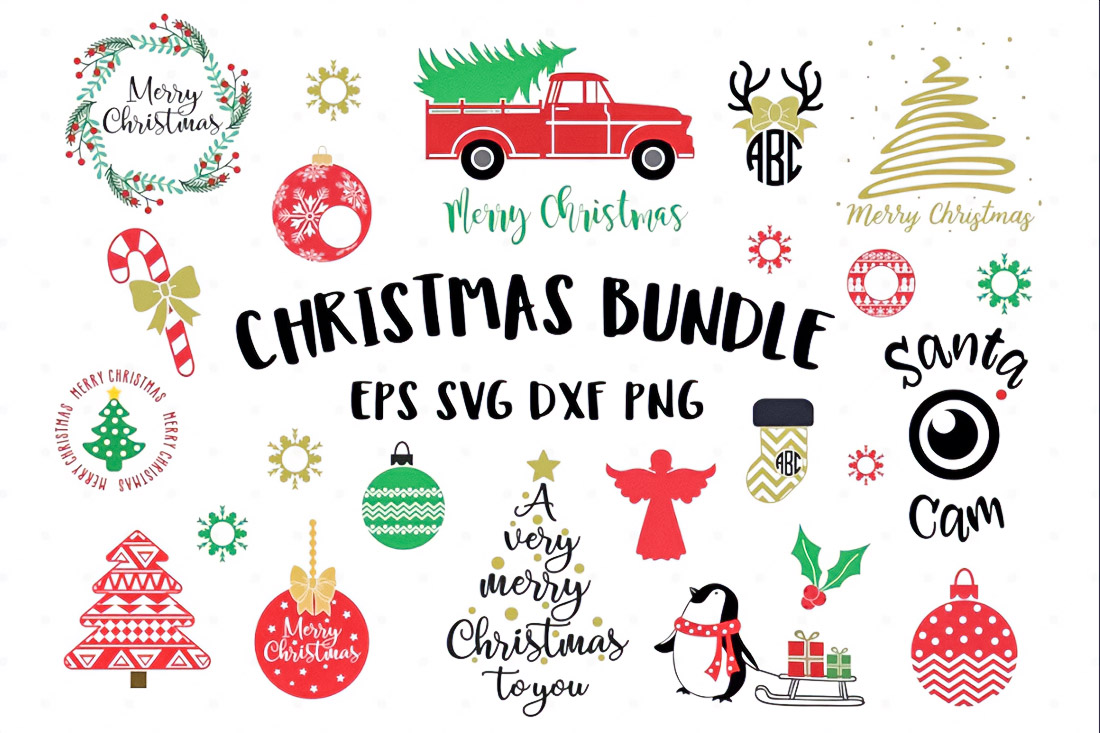
Two-dimensional images, graphic components, forms, and text can all be created using the vector graphics standard SVG (Scalable Vector Graphics). Unlike bitmaps, vector graphics rely on mathematical formulas, lines, curves, and points. Consequently, the images remain sharp at all zoom levels. As a result, the pictures stay crisp at all zoom levels. One of the primary reasons SVG files are now necessary for contemporary digital crafting tasks is their special quality.
SVG is a vector image format that is based on XML. To put it simply, an SVG file is an XML document with shapes like lines, curves, and pathways defined by its elements and attributes. For example, width, height, and radius can be used to define a circle in SVG. This structure makes it easy to control colours and shapes, resize graphics, and edit the SVG code without reducing the image quality.
The SVG specification was first released in 1999, and since then the format has become a standard for scalable graphics. Whenever precision, flexibility, and design freedom are important, SVG files provide a reliable solution.
The Main Features of The SVG Format
The main advantage of SVG is resolution independence. Vector graphics can zoom in or out without pixelation. This is because images are described by vector paths consisting of points, lines, and curves.
SVG files use mathematical paths, which define the shape of an image through commands and coordinates. One of the key elements is the path element, which defines the contours of the object. It can contain commands for lines, arcs, Bezier curves, and other geometric shapes.
The SVG structure is based on XML tags and attributes, which are used to set graphics parameters. For example:
- The width and height of the element
- Fill color
- Line thickness
- Coordinates of the points
Each object is a separate graphic element that can be grouped using the group element ; This structure resembles HTML: elements can be combined, styled, and transformed.
SVG supports:
- Smooth curves and control points
- Complex vector shapes
- Path commands
- Grouping objects
- Animation and interactivity
As a result, one SVG file can contain a full-fledged graphic composition with several layers and elements.
SVG and Raster Graphics: Key Differences
To understand the meaning of SVG, it is important to compare it with bitmap images and raster images.
Pixels make up bitmap pictures like JPEGs and PNGs. Colour information is stored in every pixel. Such an image becomes blurry when it is enlarged because the pixels stretch.
Vector graphics work differently. Vector shapes are described mathematically, so the image can scale infinitely. The same SVG file can be used:
- Like a small icon
- As an interface element
- Like a large image on a banner
And in all cases, resolution remains perfect.
Another advantage is the light weight of the files. SVG graphics often take up less space than bitmap images because they store not pixels but a set of instructions for building an image.
SVG Structure: How the File Works
Any SVG file consists of a set of XML elements that describe a drawing.
Basic elements:
- <path> – creating complex forms
- <circle> – circle
- <rect> – rectangle
- <line> – the line
- <polygon> – polygon
Each element contains attributes that define its appearance.
The path element plays a particularly important role. It can describe any shape using path commands and coordinates. These commands define lines, curves, and arcs.
The forms are constructed using:
- Nodes
- Control points
- Curves and nodes
The smoothness of the curves depends on the position of the control points. Designers often edit these points manually to achieve the desired geometry.
The group element ; is used to organise complex images. It combines several elements and allows you to apply transformations to the entire group at once.
Where SVG is Used
Today, SVG is used in a wide variety of fields, including Web design
SVG is widely used for:
- Icons
- Logos
- Infographics
- Animations
- Interface elements
Since SVG is machine-readable graphics, such files are easily indexed by search engines. In addition, the XML structure allows you to edit images directly in the code.
Another advantage is SEO-friendly graphics. Search engines and screen readers can identify the text included within the SVG.
Illustration and Graphic Design
Vector graphics are actively used in the vector illustration workflow. Artists create complex images that can be scaled without loss of quality.
For this purpose, illustration software and vector editors are used. Such programmes allow you to:
- Create vector paths
- Edit control points
- Build complex vector shapes
- Export SVG files
Some professional illustration tools can cost about $20 to $60 per month. There are also programmes with a one-time cost of about $40.
Digital Needlework and Template Creation
SVG files are widely used in the digital crafting workflow. Due to the precision of the lines, such files are suitable for machine cutting and engraving.
SVG is used for:
- Cut files
- Craft templates
- Digital patterns
- Papercraft templates
- Laser engraving templates
- Vinyl cutting templates
- Embroidery patterns
You can create multiple projects using a single template.
- Decorative elements
- Decoration
- Paper compositions
- Gifts
- Home decor
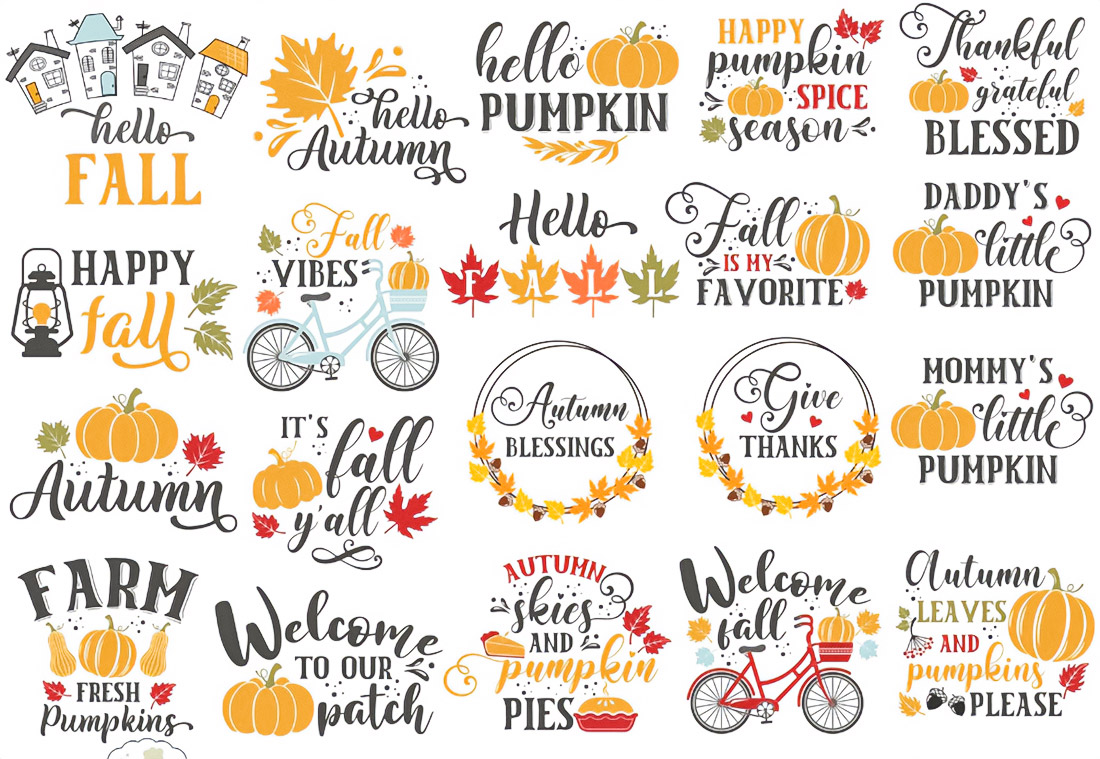
This is where SVG bundles become particularly useful. Instead of downloading individual files, crafters often use SVG bundles that include large collections of ready-to-use designs. These bundles can contain themed graphics, layered patterns, and project templates that simplify the crafting process.
Creating SVG Files
The SVG creation process begins with vector drawing. An artist or designer builds a shape using lines and curves and then exports the result to SVG format.
The workflow includes:
- Creating a sketch
- Building vector paths
- Editing nodes and control points
- Grouping of elements
- Export to SVG format
Designers often start with simple designs and gradually move on to more complex templates. For example, some complex models can include up to 7 pages of templates, which are then used to assemble paper structures.
There are special courses and training materials for learning how to create such files. Some of the tutorials include about 163 pages of instructions, which describe in detail the basics of working with SVG.
Why Does the Quality of SVG Files Matter?
Not all SVG files are equally useful. High-quality design templates must have:
- Clean vector paths
- Smooth curves
- Closed shapes
- The correct layer organization
- Clear file structure
A well-organised file saves time and materials during production. For example, in the digital cutting workflow, incorrect lines can lead to cutting errors.
High-quality craft design files usually include:
- Clear layers
- Assembly instructions
- Optimized dimensions
- The correct structure of the elements
This allows you to use the files without additional processing.
Why SVG Remains Relevant
SVG combines several important advantages:
- Scalable design
- Light files
- Editable code
- Software and hardware compatibility
- High graphics accuracy
The format is easily integrated into different workflows: vector illustration workflow, digital fabrication workflow, crafting automation, and web design.
SVG remains one of the most flexible formats for graphics. It is suitable for web interfaces, illustration, templates, machine cutting, and many other tasks.
Due to the combination of mathematical precision, XML structure, and scalability, SVG graphics remain a reliable tool for designers, developers, and craftsmen working with digital files and templates.

Hockey fan, nature enthusiast, music blogger, vintage furniture lover and multidisciplinary designer. Doing at the intersection of art and mathematics to craft experiences that go beyond design.